
Have you ever seen the “this device can perform faster” message when you connected a USB device to your computer? This message is Windows
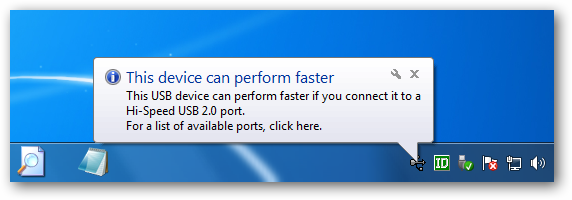
’ way of telling you that you’re missing out on the theoretical speed of your hardware, but it may not be clear how to fix the problem. Like many computer issues, particularly with hardware, this problem has a number of possible causes and solutions.
The message tells you to connect your device to a USB 2.0 port, but what if it’s already connected to a USB 2.0 port? Or what if you thought it was connected to a USB 2.0 port already – how can you tell the difference?


